 GIT UI
A little less terminal, a lot more clarity
A Git client for macOS and Windows. Explore your branches, review changes, and make your next commit with a clear view of the details
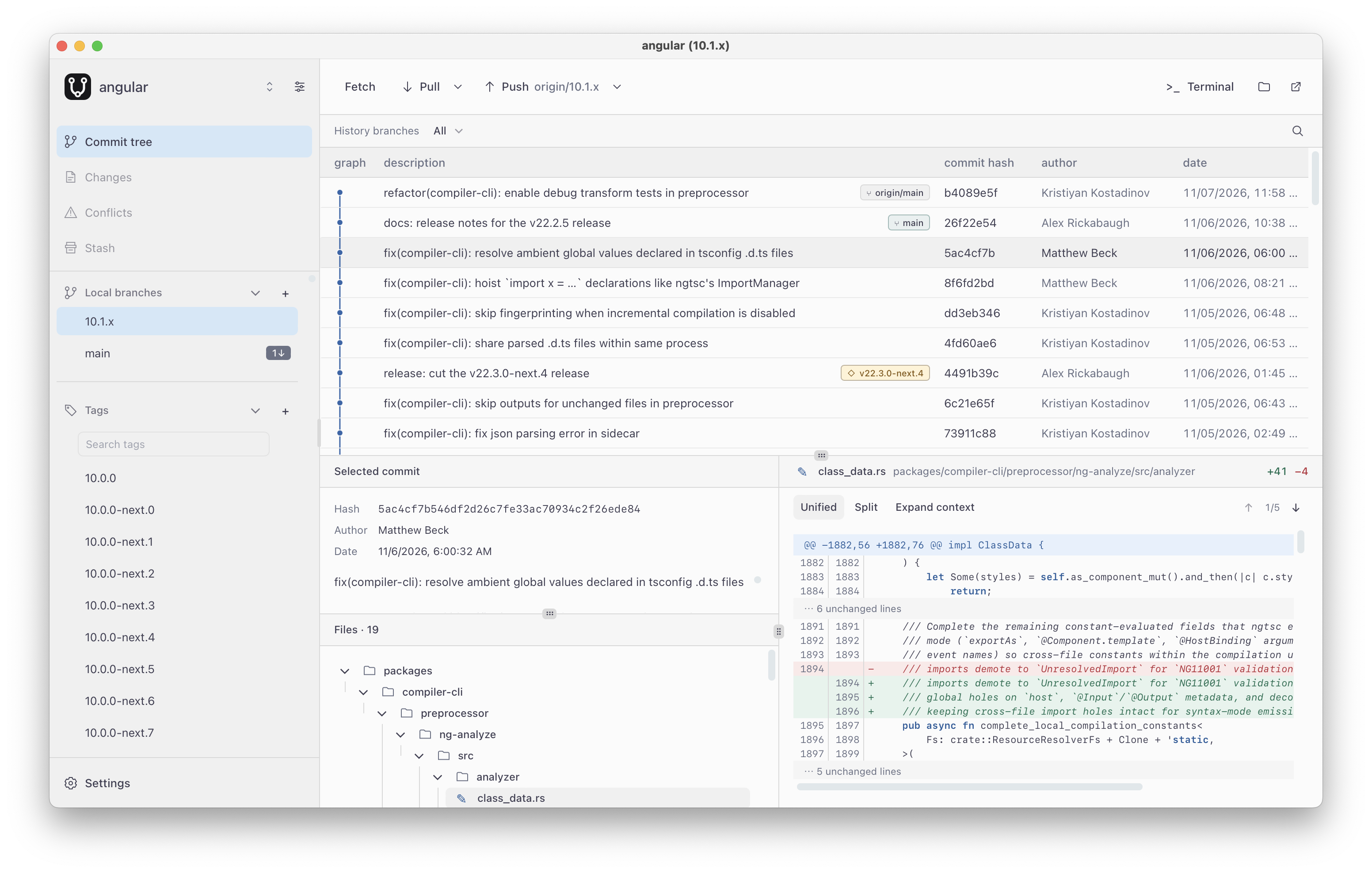
One window. The whole picture · Screenshot of the GIT UI app
Features
-
Commit history
Browse and search commits across local and remote branches
-
Review and commit
Review diffs, stage files or folders, and create, amend, or sign commits
-
Branches and tags
Manage branches and tags, rebase, and sync with remotes
-
Resolve conflicts
Compare both sides, jump between changes, and stage your resolution
-
Stash changes
Set unfinished work aside, inspect it, and apply it when you are ready
-
Switch themes
Preview light and dark palettes before applying one
Get started with GIT UI
It will always be free and open source
Choose the installer for your system. Make sure Git is installed before setting up GIT UI. Then open a local repository to get started
Download GIT UI
Desktop appChecking available downloads…
Installers are hosted on GitHub Releases
All releasesFound a bug or have an idea? Tell us on GitHub Issues